Your profile
Your account and your member record, and how the two differ.
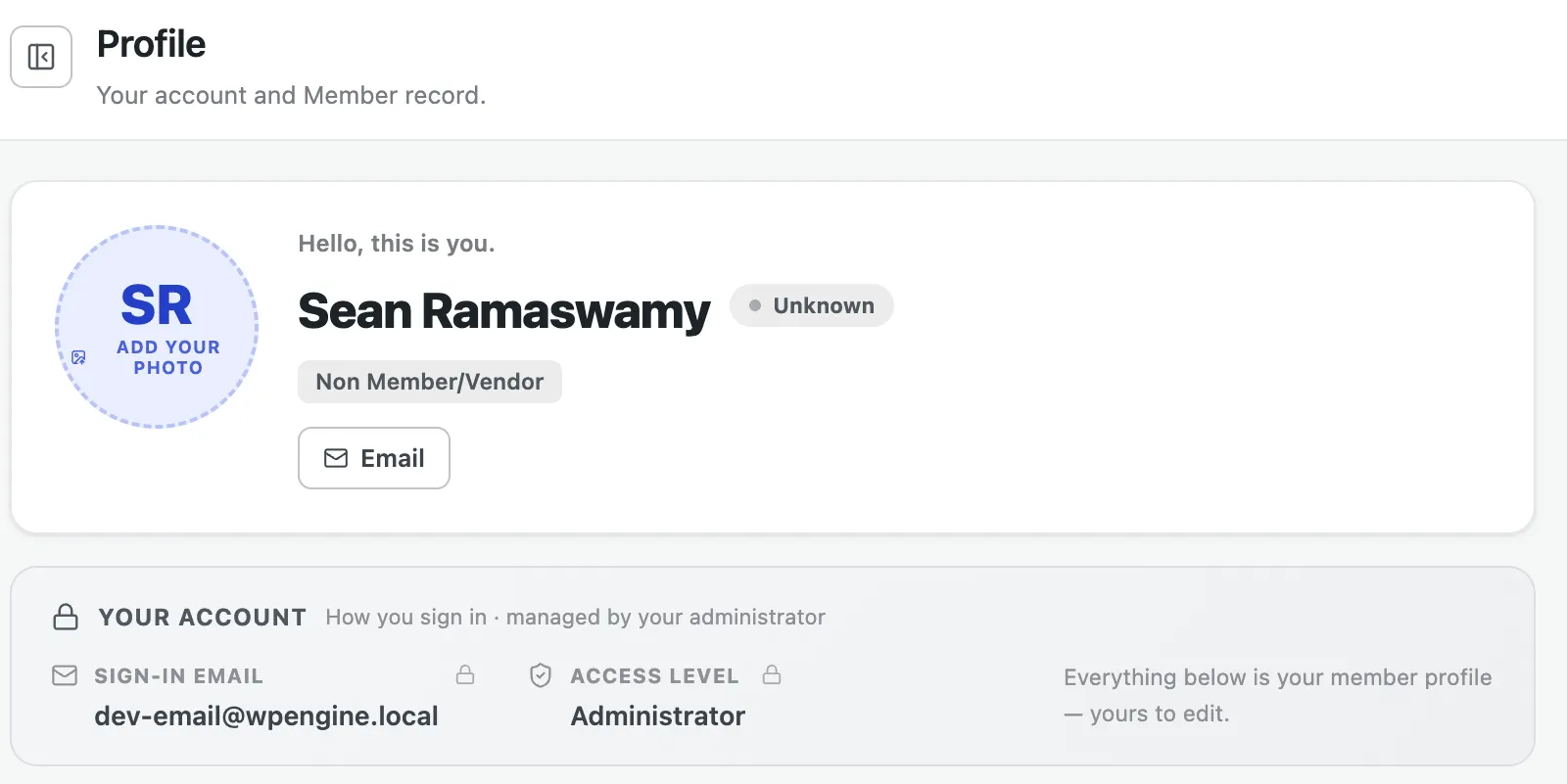
During setup you created a member profile linked to your WordPress user. The Profile page (under Account → Profile) is where you manage it.
Two things on one page
Section titled “Two things on one page”The Profile page deliberately separates two identities:
- Your account — how you sign in. The account panel shows your sign-in email and access level. These are read-only here and managed by your WordPress administrator — you don’t change your login on this page.
- Your member profile — everything below the account panel. This is the RESO member record, and it’s yours to edit.
Member details
Section titled “Member details”The Member Details card holds your full RESO member field set, organized into tabs — Identity, Contact, Address, Professional, Account, System, and Other Fields. Edit any field in place; see Editing fields for how editing works.
Shared sections
Section titled “Shared sections”Your profile also includes these shared sections:
- Other phones
- Social media
- State licenses — your professional license records
- Saved searches — property searches saved to your member record
- Activity history